
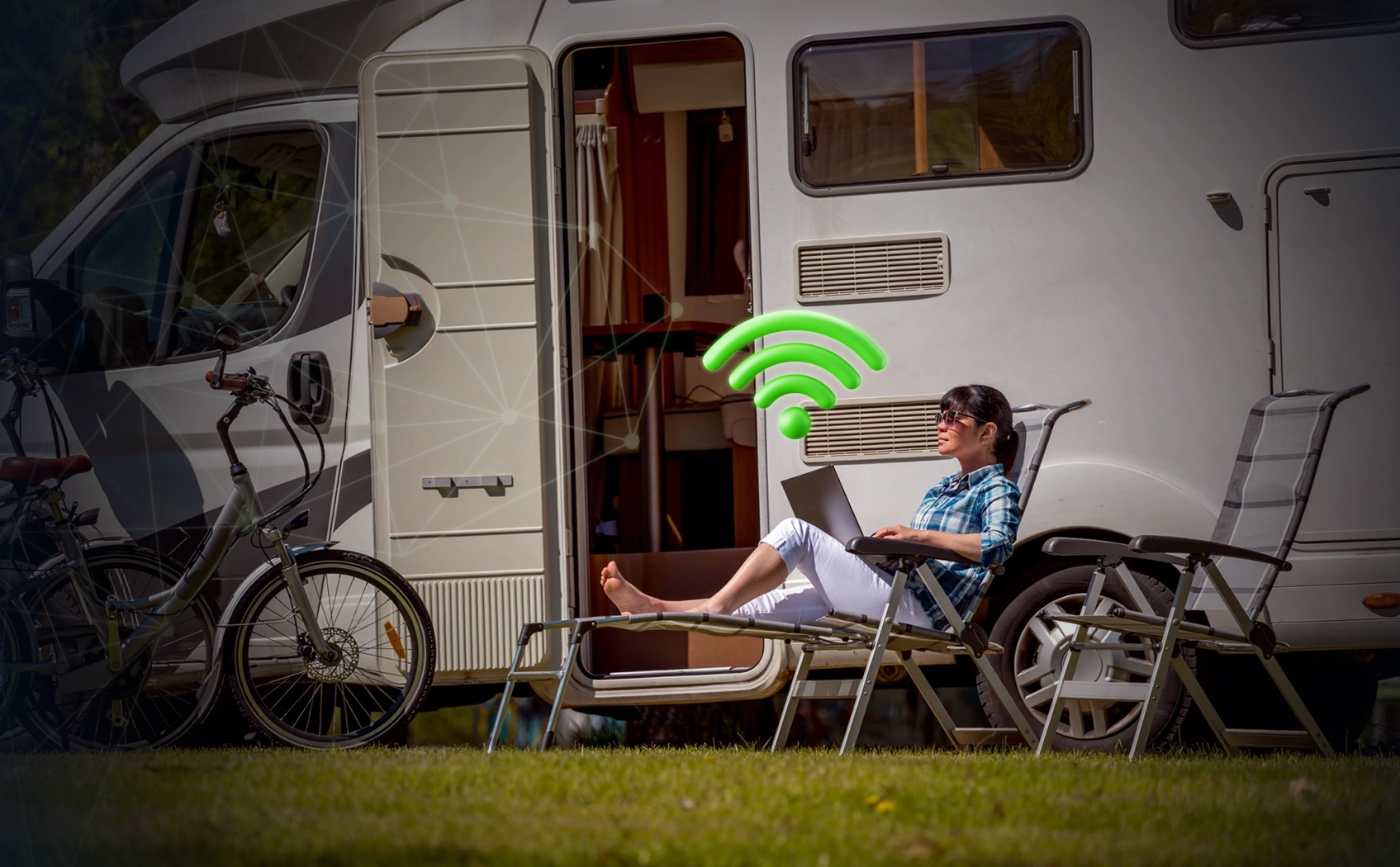
Living in an RV offers freedom and excitement. You can wake up with mountain views, work by a lake, or watch a movie under the stars. But a stable Wi-Fi connection while traveling can quickly turn that freedom into stress. Living in an RV year-round, whether you’re working from home, staying connected with family, or watching your favorite shows, you need a good internet connection. This guide introduces some practical and useful RV Wi-Fi connectivity methods, so you’re never offline when you need it.
Network Issues
When you’re constantly on the road, the places where you can connect to the internet can vary. Cell phone signals can be unstable, Wi-Fi signals at campgrounds can be weak, and satellite networks can be expensive or slow in some locations. Unlike a fixed address, RV travelers need to plan different internet connections based on their routes and lifestyle. The key is to be flexible and have backup options.
1. Free Wi-Fi
Many campgrounds and RV parks offer free or paid Wi-Fi, but the quality can vary. When crowded, internet speeds can drop, and the signal may not be available everywhere in the park. Parking near an office or main router will provide better speeds. You can also use a Wi-Fi booster or extender to increase signal coverage. Wi-Fi at campgrounds is useful for reading or checking emails, but generally not suitable for watching videos for extended periods or working from home.
2. Mobile Hotspot and Data Plans
One of the safest ways to stay online in your RV is to use a mobile hotspot. Most major carriers, such as Verizon, AT&T, and T-Mobile, sell hotspot devices. You can also use your phone as a hotspot. Your device connects to the hotspot via mobile data, which is faster and more secure than many public networks. For full-time RV travelers, choosing an unlimited or high-speed data plan is crucial, as they don’t want to run out of data while on the road.
For broader coverage, you may need to sign up with two different providers. A backup plan, for example, will keep you connected everywhere, even in rural areas or rough terrain.
3. Use a Cell Phone Signal Booster
In remote areas, a cell phone signal booster can be invaluable. It works by capturing weak signals from nearby cell towers, amplifying them, and then transmitting them back to your RV. This can improve a poor network connection to a level sufficient for smooth video playback or video calls. Many popular products, such as the weBoost Drive Reach RV or SureCall Fusion2Go, can power multiple devices simultaneously, making them ideal for RV use.
4. Satellite Internet
For those who enjoy traveling to remote areas, especially where cell service is limited, satellite internet is an ideal option. Many places offer RV parking and fast, reliable internet access through services like Starlink RV Service (now Starlink Roaming). While more expensive than mobile data, it’s a worthwhile investment for travelers or those who frequently work from home and need access to remote areas. Starlink’s speed is sufficient for streaming, gaming, and video calls, but you do need an unobstructed view to set it up.
5. Public Wi-Fi
Museums, cafes, rest stops, and even some fast-food chains often offer free Wi-Fi. You can use these networks for quick check-ins or file sharing. However, public networks are relatively insecure, and to protect your personal data from hackers, it’s advisable to always use a VPN (Virtual Private Network). Avoid engaging in excessive private activities, such as online banking, while using these networks.
6. Using Multiple Network
Smart RV travelers don’t rely on just one network source; they use several simultaneously. For example, you can use campsite Wi-Fi for reading, a hotspot for work, and satellite internet when staying at a campsite far from the power grid. Another way to improve the quality and stability of your network connection is to use a router with a load balancer, such as Pepwave or Cradlepoint. This configuration ensures that you can maintain your internet connection even if one network source fails.
7. Use Wi-Fi extenders
If you regularly use Wi-Fi in hotels or marinas, Wi-Fi extenders or boosters can
Prepare well before traveling to areas with weak signals. Disable automatic updates for apps and software to avoid running out of data. Tools like GlassWire to monitor your data usage will let you know when you’ve reached your data limit.
9. Ensure Work and Streaming
If you’re working in your RV, invest in stable connections with at least two network sources. One as a backup and one for daily use. Even in a small room, you can use a laptop dock or travel table to stay connected. For entertainment, simply connect a smart TV, Roku, or Fire Stick to your hotspot or router to watch movies, YouTube videos, or Netflix anytime, anywhere.
10. Safe Online
Online safety is just as important as a stable signal. Make sure your passwords are strong enough, avoid connecting to public Wi-Fi networks, and enable two-factor authentication for all your accounts. To protect your connection, always use a VPN, especially when using public Wi-Fi or in parks. Keeping your devices up to date is another way to ensure their security while traveling.
Frequently Asked Questions about RV Wi-Fi
Which Wi-Fi service is best for full-time RV travelers?
Most people get the best results with a combination of a cell phone signal booster and a mobile hotspot. For remote locations, you can add satellite internet, such as Starlink.
How do you improve Wi-Fi speed at a campground?
Use a Wi-Fi signal booster and park your RV near the router. Avoid peak hours and prevent multiple people from using the internet at the same time.
Do RV travelers have to pay for Starlink?
If you frequently travel to rural or remote areas, it’s recommended to pay for Starlink. Starlink offers fast and stable internet access almost everywhere but requires clear skies and a high initial cost.
Can I watch movies over Wi-Fi?
Yes, but consider how much data you need. You can choose an unlimited data plan or use free Wi-Fi to download content.
Is it safe to use public Wi-Fi?
Using a VPN is safe. Don’t log in to private accounts, and always log out after use.
Summary
Maintaining Wi-Fi in an RV isn’t as difficult as you might think—you just have to plan ahead and be flexible. Signal boosters, mobile hotspots, and satellite networks can work together to provide a stable internet connection wherever you are. A well-designed network solution can make your RV life smoother, more convenient, and easier, whether you’re working on the road, watching your favorite shows, or sharing your travel experiences online. With the right tools and habits, a road trip can truly be your workspace and your mobile home.